How to mount a racing wheel on a desk: clamps, setup and limits
A desk can hold a sim racing wheel, as long as you follow a few rules. The clamp, the stability of the desk top and your driving position matter as much as the hardware itself. Here is how to mount your wheel properly, and how to tell when it is time to move to a cockpit.
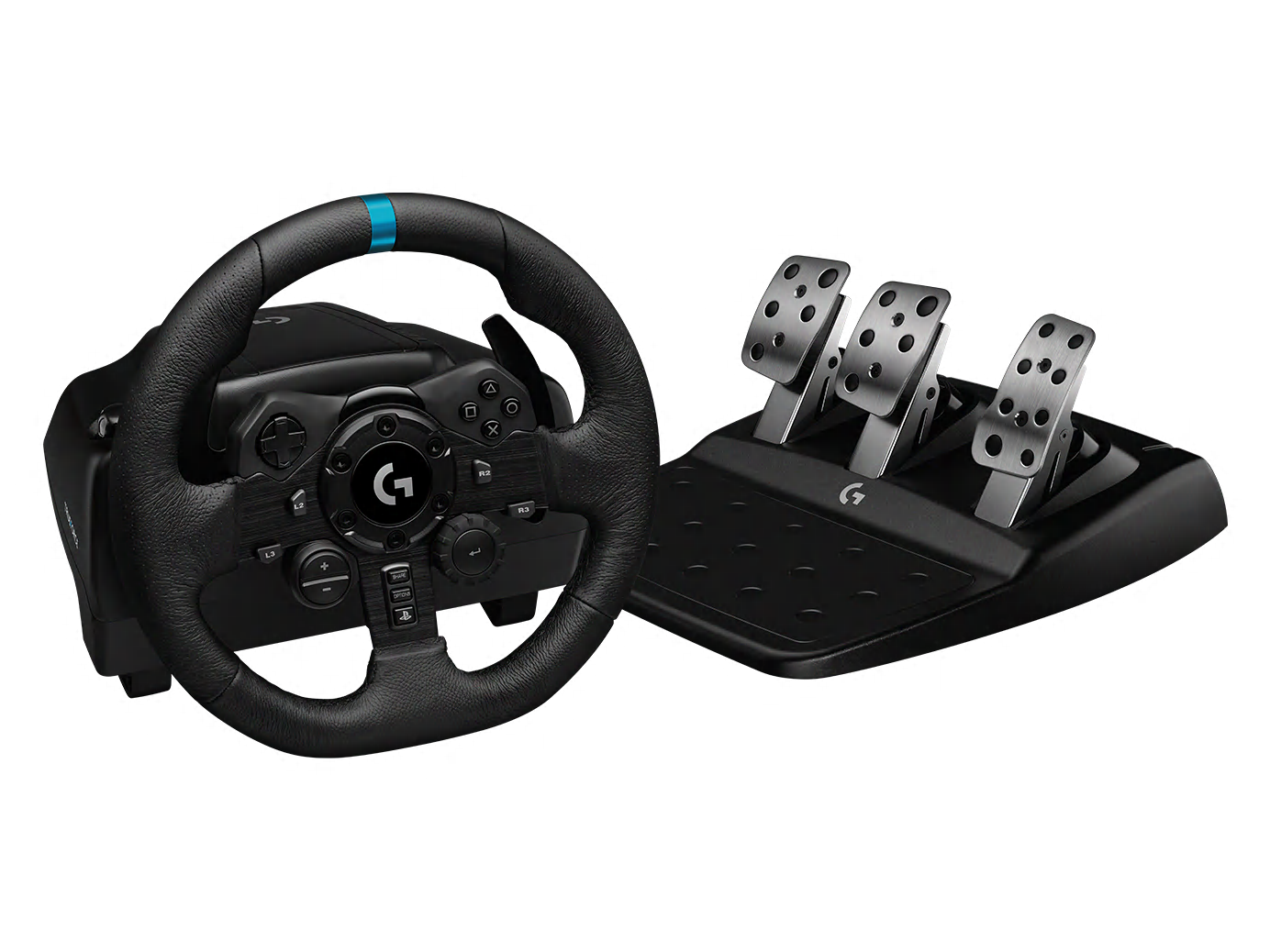 Logitech G923 TRUEFORCE · Image: manufacturer
Is a desk good enough for a sim racing wheel?
Yes, for a large share of entry-level hardware. Belt-driven wheels and small direct drive bundles are designed to be clamped to a table. Manufacturers often include the clamp in the box.
The limit is torque. The stronger the wheel base, the more force it sends into the desk top. A light desk starts to shake, and the clamp can work loose. The force feedback then loses precision.
Our guide on direct drive vs belt drive explains these differences in power, and our guide on how much torque you need sets out the torque ranges of the bases in our catalogue.
Which bundles come with a desk clamp?
What is in the box varies from product to product. According to the manufacturers, the following models in our catalogue include a desk clamp or a desk mounting system. Prices were checked on 6 October 2026 on the official EU stores.
| Product | Stated torque | Mounting | Platforms | Checked price |
|---|---|---|---|---|
| MOZA R3 | 3.9 Nm | Table clamp included | PC | €299 |
| MOZA R5 | 5.5 Nm | Desk clamp included | PC | €399 |
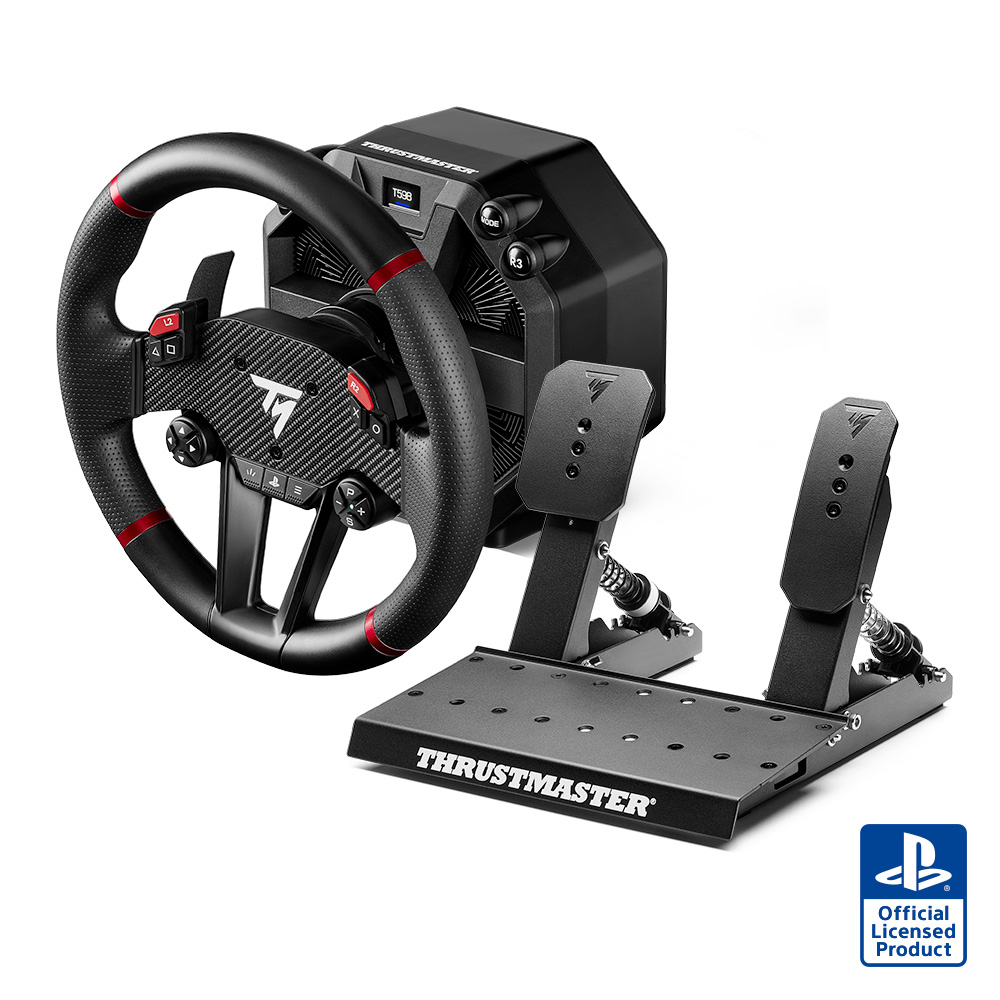
| Thrustmaster T598 | 5 Nm constant | Mounting system included | PC, PS5, PS4 | €449.99 |
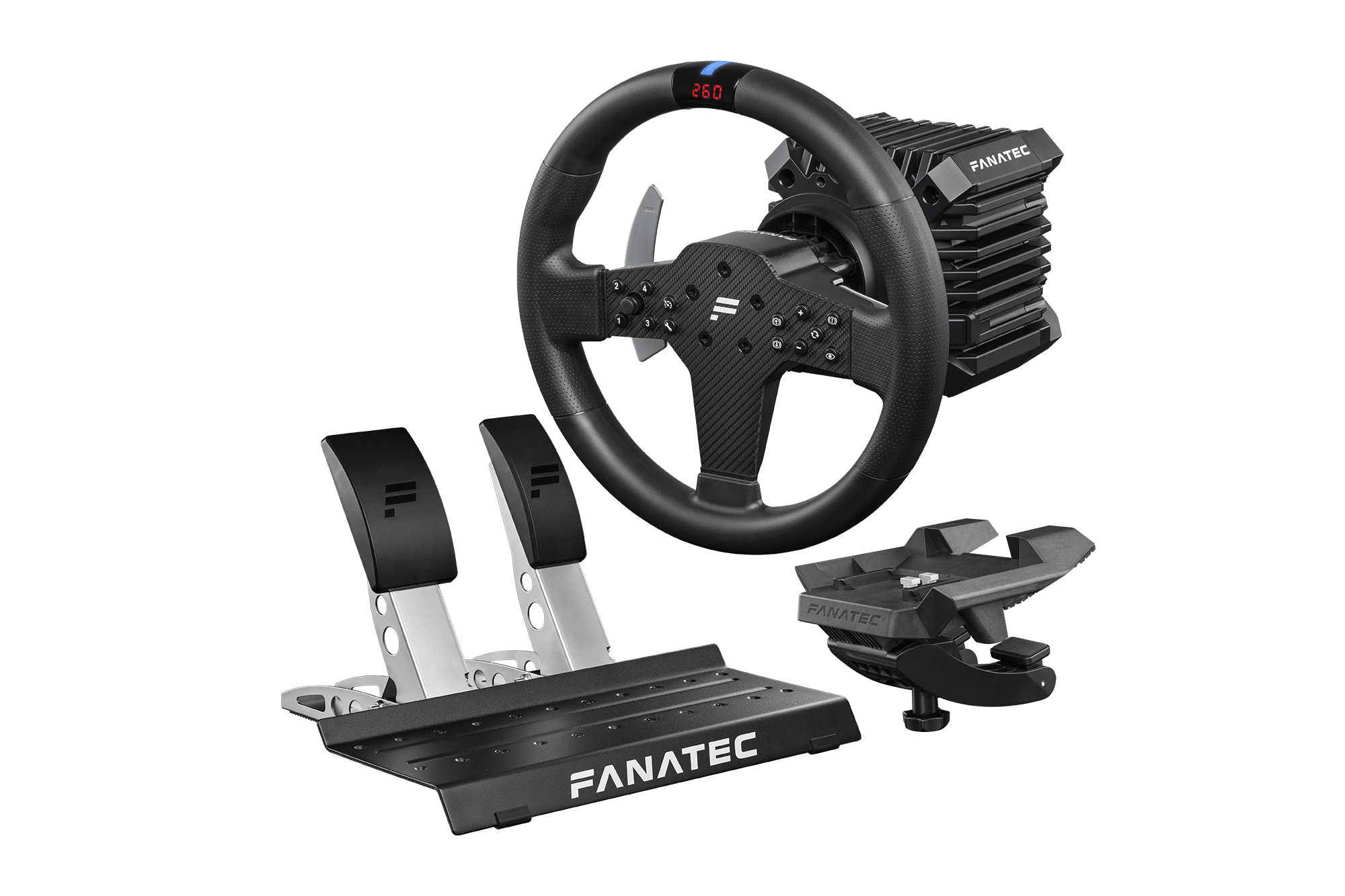
| Fanatec CSL DD Ready2Race 5 Nm | 5 Nm peak | Table clamp included | PC | €509.95 |
| Fanatec Gran Turismo DD Pro 5 Nm | 5 Nm peak | Table clamp (5 to 60 mm) | PC, PS5, PS4 | €649.95 |
| Thrustmaster T818 Ferrari 488 GT3 Simulator | 10 Nm constant | Desk Mounting Kit | PC | €899.99 |
| Logitech PRO Racing Wheel | 11 Nm | Table clamp included | PC, PS5, PS4 | €999.99 |
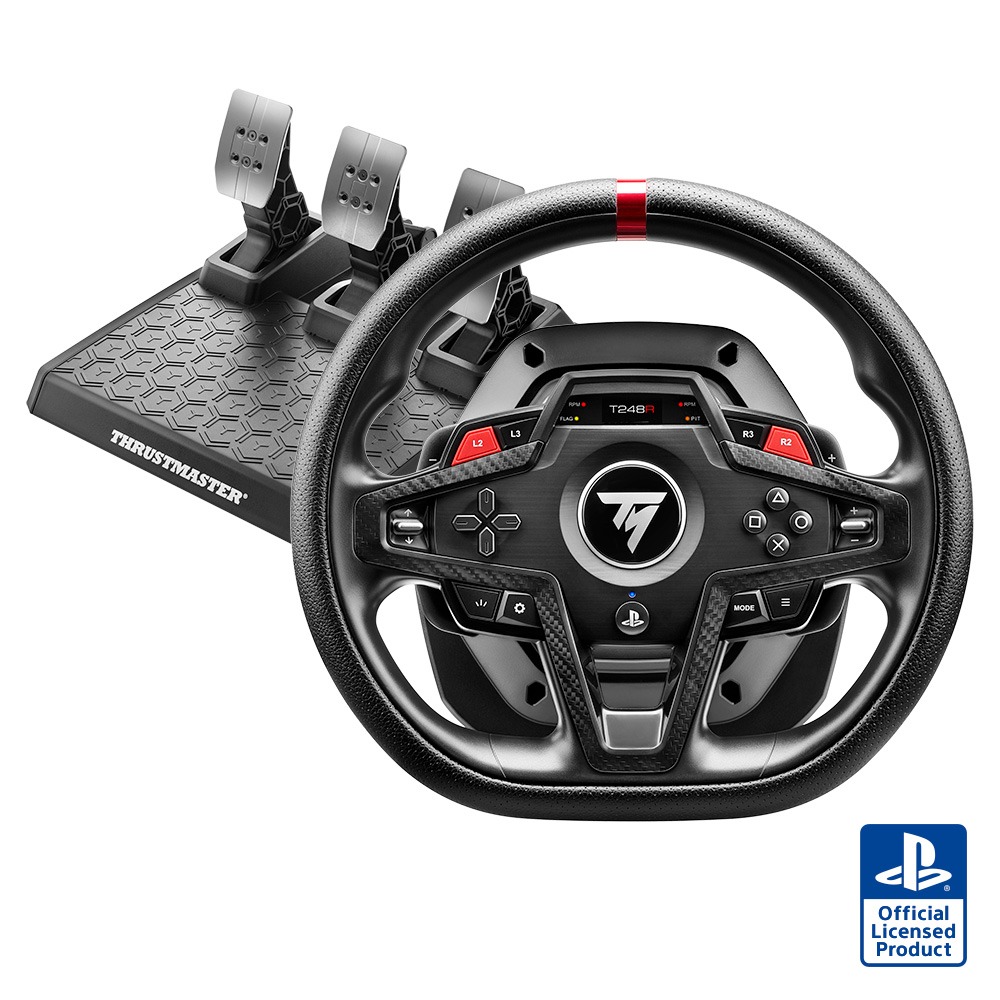
For the Logitech G923 and the Thrustmaster T248, our data does not list a separate clamp in the box. These wheels use their own built-in mounting system, so check the manufacturer's manual.
You can open the product pages for the MOZA R3, the MOZA R5, the Thrustmaster T598 and the Fanatec CSL DD Ready2Race to see the full contents of each bundle.
Check your desk before you start
A desk clamp grips the edge of the top between two jaws. It needs a solid, flat surface of a compatible thickness. Fanatec, for example, states a range of 5 to 60 mm for the clamp in the Gran Turismo DD Pro bundle.
- Measure the thickness of the desk top where the clamp will go.
- Make sure no drawer, brace or rounded edge gets in the way of the lower jaw.
- Avoid glass tops and hollow-core panels, which do not handle clamping pressure well.
- Check the desk's stability: it should not sway when you push it sideways.
- Plan for a power socket nearby: direct drive bases have their own power supply.
Mounting the wheel step by step
- Clear the desk and choose the mounting spot, centred in front of the screen.
- Fit the clamp or mounting system to the base, following the manufacturer's manual.
- Position the base at the edge of the desk and tighten the clamp evenly.
- Fit the wheel to the base and check that the quick release is locked.
- Plug in the power supply, then the USB cable to the PC or console.
- On PC, install the manufacturer's software and update the firmware if needed.
- Place the pedals on the floor and connect them to the base or the PC, depending on the model.
- Run the calibration, then set the force feedback strength low to begin with.
Once everything is connected, take a few slow laps before raising the force. It gives you time to check that the clamp holds and that nothing rubs or catches.
Stop the pedals and the chair from moving
On a desk setup, the pedals cause the most problems. On a smooth floor, they slide forward every time you brake. With a chair on castors, you are the one who rolls back.
- Push the pedals against a wall or a heavy, stable object.
- Use a non-slip mat under the pedals.
- Lock the chair's castors or use a chair without wheels.
- Adjust the brake sensitivity so you do not have to press too hard.
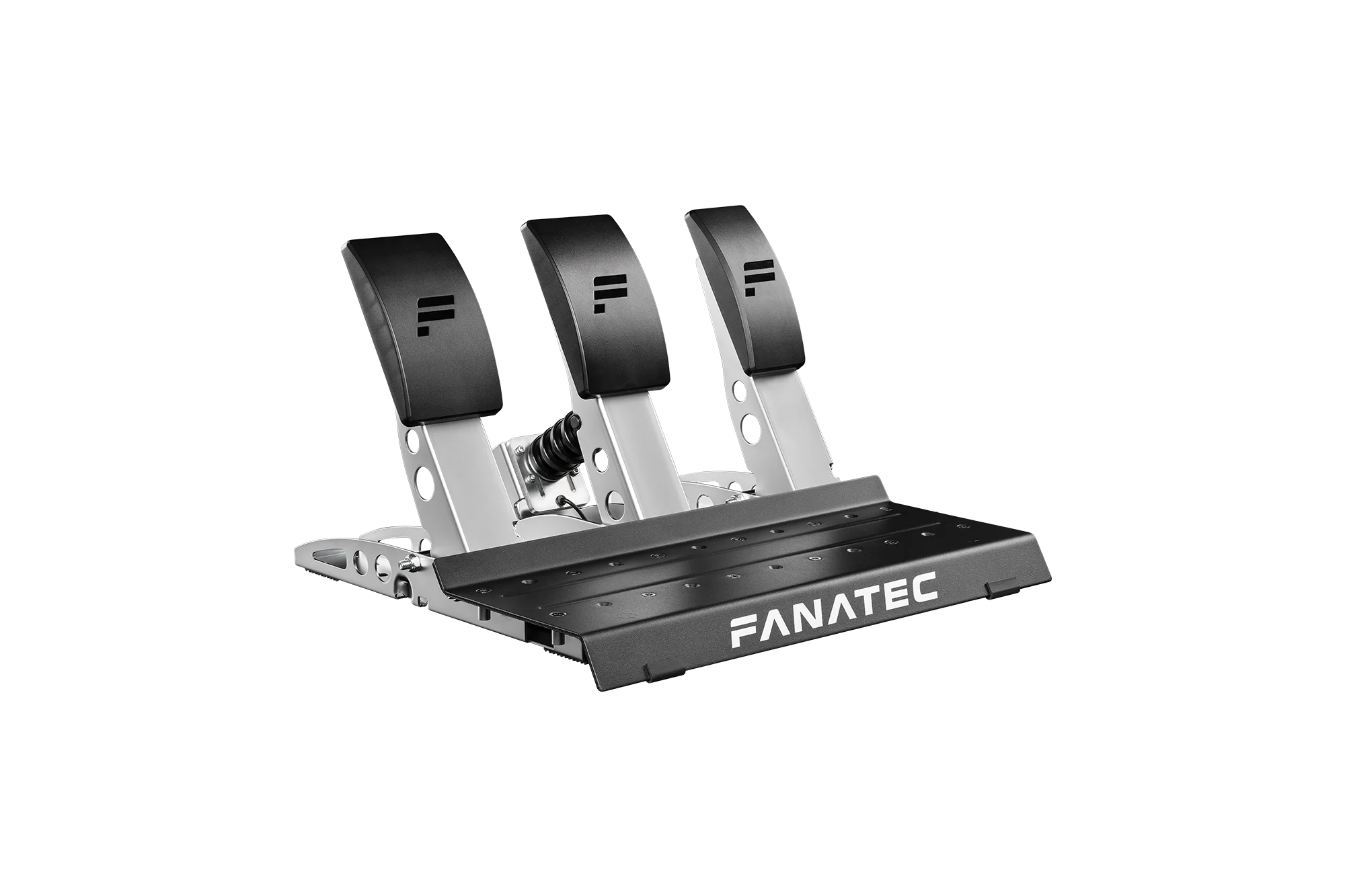
This becomes critical with a load cell brake, which needs real pressure. With a model such as the Fanatec CSL Pedals LC or the MOZA CRP2, a stable base is essential. Our guide to load cell pedals covers this in detail.
Set up a comfortable driving position
A desk has a fixed height, often slightly too high for a wheel. Compensate with the height of your chair. Your arms should stay slightly bent, with your shoulders resting against the backrest.
The wheel should be centred in front of you, with the screen as close as possible behind it. Keep the top of the rim below your eye line so you can see the track. You should be able to press the pedals fully without locking your leg straight.
When should you move from a desk to a cockpit?
Several signs show that the desk has reached its limits: it shakes while you drive, the clamp works loose, and the pedals slide despite your precautions. If you are considering a base such as the MOZA R12 V2 or something stronger, a cockpit becomes the right choice.
Foldable cockpits offer a practical transition. The Next Level Racing F-GT Lite and the Playseat Challenge X were each listed at €299 on 6 October 2026, seat included. They fold away after use, just like a desk setup can be cleared.
To go further, see our sim racing cockpit buying guide and our ranking of the best sim racing cockpit. Beginners will also find desk-friendly packages in our beginner sim racing setup picks.
Figures from official manufacturer spec sheets and market prices checked on 6 October 2026. Not a hands-on test: see our methodology.
Frequently asked questions
Can you mount a direct drive wheel on a desk?
Yes for low-torque bases that ship with a desk mount, such as the MOZA R3, MOZA R5, Thrustmaster T598 or Fanatec CSL DD Ready2Race bundles. The desk must be stable and its top compatible with the clamp.
How thick can a desk be for a wheel clamp?
It depends on the clamp. Fanatec states a range of 5 to 60 mm for the clamp in the Gran Turismo DD Pro bundle. Check your model's manual before buying.
How do I stop my pedals from sliding?
Brace them against a wall or a heavy object, add a non-slip mat and lock your chair's castors. A cockpit solves the problem by connecting the seat and the pedals.
Can a racing wheel damage a desk?
Overtightening can mark a fragile top, and a powerful base puts a lot of stress on the desk. Avoid glass or hollow tops, and keep powerful bases for a cockpit.